Modern enterprise access control systems are massive. A typical deployment manages upwards of 5,000 network endpoints, readers, controllers, and smart locks spread across multiple locations and time zones.
Yet despite that scale, many organizations still lack a central, reliable record of what equipment they have, where it’s installed, or when it was last serviced.
That gap creates real risk.
This guide breaks down what lifecycle management really means and how security teams can use it to build more resilient, future-ready access control security infrastructure.
What is access control lifecycle management?
Most security leaders understand their access control system in terms of what it does today. Lifecycle management is about understanding what it will need tomorrow.
Security Directors feel that pressure directly. They’re responsible for protecting people, property, and critical assets while managing budgets, vendors, and internal stakeholders and access control sits at the center of it all.
That’s where access control lifecycle management and broader access management strategy come in.
At its core, access control lifecycle management is the practice of treating your system not as a one-time installation, but as a living infrastructure that requires ongoing attention across five distinct phases: planning, design, installation, maintenance, and auditing.
The five phases of access control lifecycle management |
||
|---|---|---|
| Lifecycle phase | Scope | Impact |
| Plan | Assessing risks, defining security requirements, and determining where access control is needed. | Ensures the system aligns with business operations, compliance requirements, and long-term security goals. |
| Design | Selecting hardware, defining door groups, mapping device locations, and documenting system architecture. | Creates a scalable, standardized system that’s easier to manage across multiple sites. |
| Install | Deploying controllers, readers, panels, and wiring while documenting device locations and configurations. | Accurate installation records ensure systems can be maintained and expanded without guesswork. |
| Maintain | Managing service tickets, tracking device performance, updating firmware, and replacing aging equipment. | Prevents downtime, improves reliability, and extends the life of your security infrastructure. |
| Audit | Reviewing system performance, verifying documentation, checking compliance, and planning upgrades or replacements. | Provides visibility into system health and helps security leaders plan budgets and future improvements. |
The goal is continuity across all stages of the lifecycle. When each stage is documented, tracked, and connected to the next, security leaders gain something most organizations don’t have: a complete, accurate picture of their infrastructure at any given moment.
That visibility is what separates reactive security teams from proactive ones. It’s the difference between discovering a failed reader during an incident and replacing it before one ever occurs.
Why most Access Control programs break down
Understanding the lifecycle is one thing. Executing it consistently, especially across multiple sites and vendors, is where most organizations struggle.
The breakdown rarely happens all at once.
It’s gradual. A system gets installed without complete documentation. A firmware update gets skipped because no one owns it. A warranty expires unnoticed. Over time, these small gaps compound into something much harder to manage.
Most of it traces back to three root causes.
1-Managing complex infrastructure with the wrong tools.
Spreadsheets, shared folders, and generic project management apps were never designed to track the lifecycle of a physical security system. Yet for most organizations, they’re the default. Data goes stale, versions multiply, and the moment a key person leaves, institutional knowledge walks out with them.
2-Fragmented tools across the lifecycle.
Design happens in one tool. Installation is documented elsewhere or not at all. Maintenance tickets live on a service platform that doesn’t integrate with anything else. The result is a lifecycle that exists in theory but falls apart in practice, because no single view of the system ever exists.
3-No ownership between phases.
Lifecycle management requires clear handoffs from planning to design, design to installation, and installation to maintenance. When those handoffs aren’t formalized, critical information gets lost in the transition. The team managing maintenance is often working blind to decisions made during design.
The cost of disconnected tools, incomplete documentation, and missing ownership between lifecycle phases goes well beyond operational friction.
Undocumented devices fall through the maintenance cracks, expired warranties go unclaimed, and when an audit or incident demands a full system review, reconstructing accurate records from scratch is one of the most expensive problems a security team can face and one of the most preventable.
Here’s what that looks like when each phase is done right.
1-Access control planning starts with the right foundation
The planning phase covers far more than device placement. The big picture is that it’s about aligning your access control strategy with your organization’s security measures, compliance obligations, and long-term operational goals.
| Planning element | Key questions to answer |
| Risk & threat assessment | What assets need protection? What threats or vulnerabilities exist at each facility? |
| Security policy alignment | What policies define who should have access, when, and under what conditions? |
| Facility & entry point analysis | Which doors, gates, or restricted areas require controlled access? |
| Technology & system standards | What hardware, platforms, and device standards will be used across locations? |
| Long-term infrastructure planning | How will the system scale as facilities grow, relocate, or upgrade technology? |
Done well, planning answers the questions that every other phase depends on, from coverage zones and door groups to the security policies that govern who can access what and when.
The decisions made here about coverage zones, door groups, hardware standards, and integration requirements create a blueprint that every downstream phase builds on.
When planning is thorough, design is faster, installation is cleaner, and maintenance is predictable. When it’s rushed or skipped, the cost shows up later in the form of redesigns, coverage gaps, and systems that were never quite built for the environment they’re running in.
2-Access control design should prioritize clarity
A strong access control design is more than a floor plan with devices placed on it.
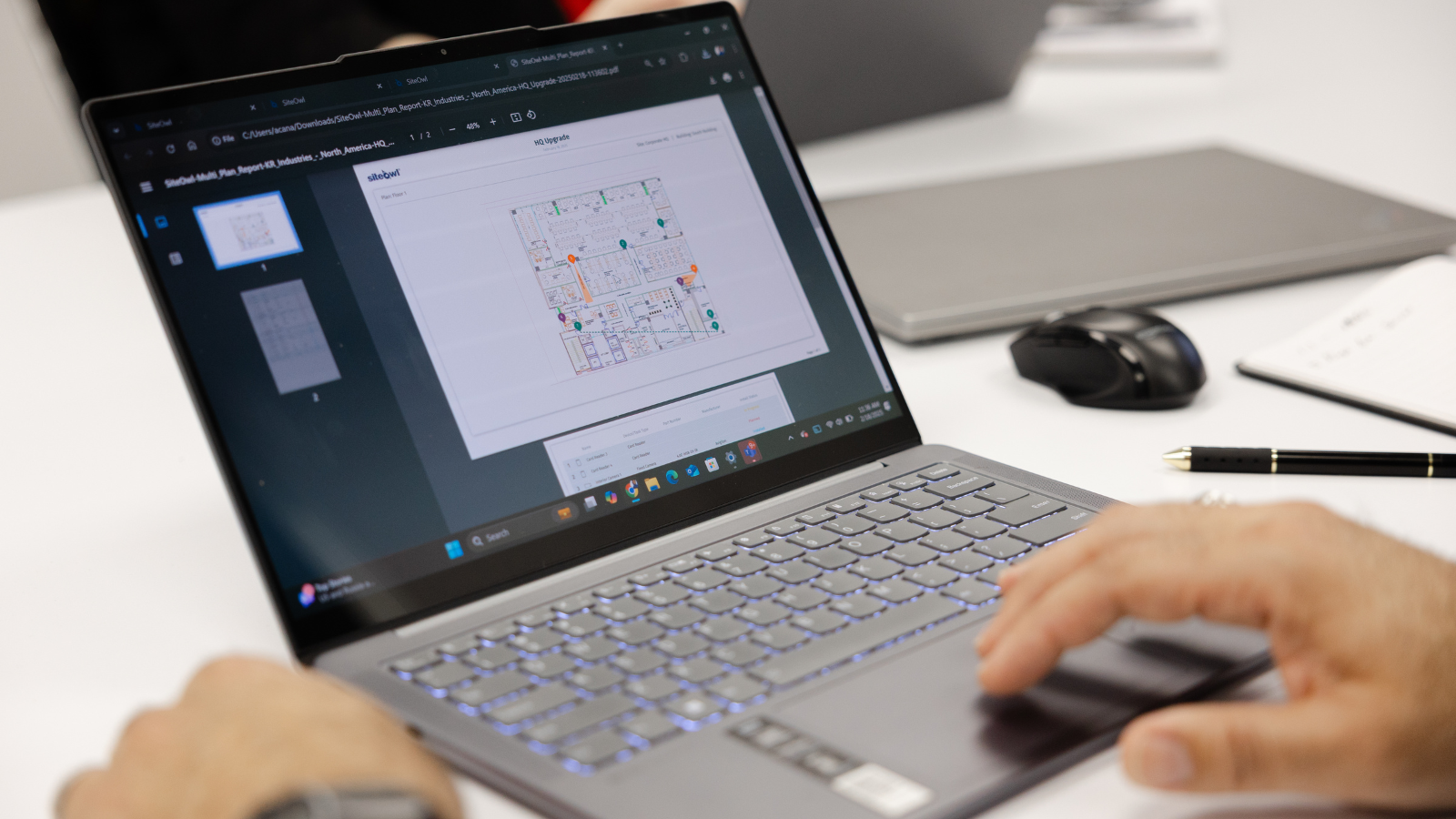
It’s a documented, shareable blueprint that captures device specifications, placement decisions, and system architecture in enough detail that anyone can quickly understand what was built and why.
That distinction matters more than most organizations realize.
Why is access control documentation important? |
||
|---|---|---|
| Scenario | Without documentation | Impact |
| Vendor transition | A new integrator must reverse-engineer the existing system to understand device locations and configurations. | Delays projects, increases costs, and introduces configuration errors. |
| Staff turnover | Institutional knowledge leaves with the person who originally designed or managed the system. | Security teams lose critical system knowledge and struggle to troubleshoot or expand the system. |
| System expansion | New doors, readers, or controllers are added without clear reference to existing architecture. | Leads to inconsistent designs, compatibility issues, and unnecessary rework. |
| Incident response | Teams cannot quickly locate devices or verify how systems are connected. | Slower response times and increased risk during security incidents or outages. |
| Compliance or audits | Accurate system records and documentation are unavailable when requested. | Creates compliance gaps and makes it difficult to prove systems are properly managed. |
Good design documentation accelerates every phase that follows and the impact compounds over time.
Installers work faster when expectations are unambiguous.
When device specifications, mounting locations, and system architecture are clearly documented before anyone sets foot on site, there’s less guesswork, fewer callbacks to the project manager, and less room for interpretation errors that can create problems down the line.
Maintenance teams troubleshoot more effectively.
Knowing why a device was placed where it was, how it was configured, and what it connects to is critical.
During security incidents, knowing exactly how a device was configured and what it connects to can be the difference between a 20-minute resolution and a two-hour investigation.
Teams that skipped documentation during design consistently find themselves rebuilding that foundation later, at a much higher cost. The organizations that invest in design documentation aren’t doing extra work. They’re front-loading the clarity that every downstream phase depends on.
3-Access control installation: Document everything, miss nothing
Installation is where lifecycle data is born. Everything that happens from this point forward, every maintenance call, every firmware update, every audit, every upgrade decision, depends on the accuracy of what gets recorded here.
Every device deployed should be documented at the point of install. Location, configuration, IP address, images, serial numbers, and any site-specific conditions that affect its operation.
Not after the project wraps. Not when the vendor submits their closeout report. At the point of install, while the information is accurate and the technician is standing in front of the device.
What to document during installation |
|
|---|---|
| Installation data to capture | Key information |
| Device identification | Serial number, device model, manufacturer, and asset ID. |
| Device location | Exact door or location, floor plan reference, building and room details. |
| Network & system configuration | IP address, panel association, controller details, firmware version. |
| Installation verification | Photos of the installed device, wiring connections, and mounting location. |
| Site-specific notes | Environmental conditions, door hardware details, cabling paths, or special configurations. |
Standards matter because installation is also where most lifecycle programs quietly fall apart.
A reader gets mounted in a non-standard location with no note explaining why. A controller gets configured differently across two sites because no one specified otherwise. An image never gets taken.
None of these feels significant in the moment, but six months later, when a technician gets dispatched to service a device they’ve never seen, in a location that isn’t on any floor plan, they cost real time and real money.
Here’s how security leaders are addressing this with SiteOwl :
Banking & Financial
Large financial institutions operate hundreds of branches and secure facilities, each with its own vendors, teams, and compliance requirements. When installation documentation is captured in real time, security leaders stop inheriting someone else’s guesswork whenever a technician changes or a vendor is replaced.
- Every branch meets the same documentation standard.
- Auditors get accurate, verifiable asset records instead of reconstructed spreadsheets.
- Service teams spend less time locating devices and more time resolving issues.
Transportation & Logistics
Security teams in transportation and logistics are managing infrastructure that continues to expand. New facilities come online, vendors rotate, and the window to capture accurate installation data is narrow.
- Distributed teams work from a single source of truth instead of fragmented records.
- New facilities reach full operational visibility faster, with less coordination overhead.
- Security leaders can hold vendors accountable to a documented standard, not just a verbal one.
Utilities & Critical infrastructure
Utility providers operate complex environments where access control systems support both safety and regulatory compliance. SiteOwl helps teams maintain accurate installation records for thousands of devices, ensuring infrastructure documentation stays current as systems evolve.
- Compliance posture stays current as infrastructure evolves, not just at audit time.
- Aging devices get flagged and planned for replacement before they become failures.
- Incident response improves when every technician has accurate, accessible system records.
What gets documented at installation becomes the foundation everything else is built on, and nowhere is that more apparent than in how a system gets maintained.
4-Reactive vs. proactive access control maintenance
Most access control maintenance is driven by failure.
Something breaks, disrupting operations. A ticket gets opened. A technician gets dispatched.
For organizations managing hundreds or thousands of devices across multiple sites, this cycle becomes what SiteOwl calls the pyramid of chaos, a structure built on fragmented accountability and an infrastructure that keeps growing in cost while shrinking in clarity.
Access control maintenance starts with visibility
Most organizations have more visibility into a $15 Uber ride than into their multi-million-dollar security infrastructure.
That lack of visibility is what keeps maintenance reactive. It requires:
- Tracking device performance before failures occur.
- Managing firmware updates on a defined schedule, not reacting to vulnerabilities.
- Identifying aging equipment early to plan replacements.
- Avoiding emergency fixes that drive up cost and downtime.
Together, these practices help security teams optimize system performance and reduce long-term operational costs.
Proactive maintenance requires knowing the current state of every device in your system, its age, service history, warranty status, and performance over time. Without that foundation, “proactive” is just a word.
You can’t flag a device nearing end-of-life if you don’t know when it was installed. You can’t identify failure patterns if service history is buried across disconnected tickets and vendors.
This is where device-level history changes everything.
Device-level tracking improves access control maintenance |
||
|---|---|---|
| Device-level tracking | Enables | Operational impact |
| Service history by device | Every repair, update, and inspection is tied to a specific device. | Technicians arrive informed and resolve issues faster. |
| Failure pattern visibility | Recurring issues are tracked and analyzed over time. | Repeat problems are identified and addressed proactively. |
| Warranty & lifecycle tracking | Service records are linked to warranty status and device age. | Easier warranty claims and smarter repair vs. replace decisions. |
| Configuration & change history | All firmware updates and configuration changes are logged. | Reduces troubleshooting time and prevents misconfigurations. |
5-Access control auditing: Turn a fire drill into a routine checkpoint
For most organizations, a security audit feels like an event something that gets triggered by an incident, a compliance deadline, or an executive asking questions no one can answer cleanly.
Teams scramble to pull records, chase down vendors for documentation, and reconcile what the system is supposed to look like with what it actually looks like.
That scramble is a symptom, not a process.
Periodic auditing is what keeps the rest of the lifecycle honest. It’s the phase where documentation gaps surface, where devices approaching end-of-life are identified before they fail, and where the gap between your system records and your actual infrastructure is closed on your terms, not under pressure.
An access control lifecycle audit should cover |
|
|---|---|
| Capability | Operational impact |
| Infrastructure verification | Prevents hidden devices, inaccurate records, and confusion during maintenance or upgrades. |
| Policy & compliance review | Helps identify compliance gaps before they become audit findings or security risks. |
| Device health & lifecycle status | Enables proactive maintenance planning and identifies equipment nearing end-of-life. |
| Budget & replacement planning | Gives security leaders data-backed insights for budgeting and capital planning. |
From budget ask to business case
One of the most consistent challenges security directors face is translating risk management priorities into capital investment justifications for stakeholders who don’t speak the language of physical security.
A request to replace aging readers or refresh a controller infrastructure can sound like a preference rather than a necessity unless it’s backed by data.
An audit shouldn’t feel like a fire drill.
When you can show device age across your full inventory, surface failure trends over time, and map end-of-life timelines to specific budget cycles, a capital request stops being an opinion and starts being a business case.
Stakeholders who wouldn’t engage with a general security upgrade proposal will respond to a report showing that 30% of deployed readers are past their recommended service life and concentrated in three high-risk facilities.
Building a stronger security program starts with the lifecycle
Access control is too critical to manage reactively. The organizations that get it right aren’t necessarily the ones with the biggest budgets or the most advanced technology. They’re the ones with the strongest security posture, built on visibility and a consistent process across every phase.”
When every phase is connected, security teams stop treating access control as a cost center and start managing it like the infrastructure it is.
That’s what lifecycle management delivers! Carity, control, and confidence across your entire security environment.
Want a clearer view of your access control system?
Download our Physical Security Management Software Evaluation Worksheet, a practical checklist security leaders use to compare solutions and choose a platform that supports the full access control lifecycle.
Ready to see it in action?
Request a SiteOwl demo to see how security teams are centralizing documentation, improving visibility, and managing access control systems from install to audit, all in one place.

Su Subburaj
Su is SiteOwl's CMO and leads all marketing and communications. Su has extensive strategy and management consulting experience and previously consulted for 3Sixty Integrated where she gained an in-depth understanding of digital transformation challenges in the physical security industry. When not working on strategies to expand SiteOwl's footprint, Su enjoys bad karaoke, weightlifting and traveling.